A content calendar that fills and ships itself
Pick your cadence once. Leafpad picks the topics, writes the posts, generates the images, and publishes on the dates you set.
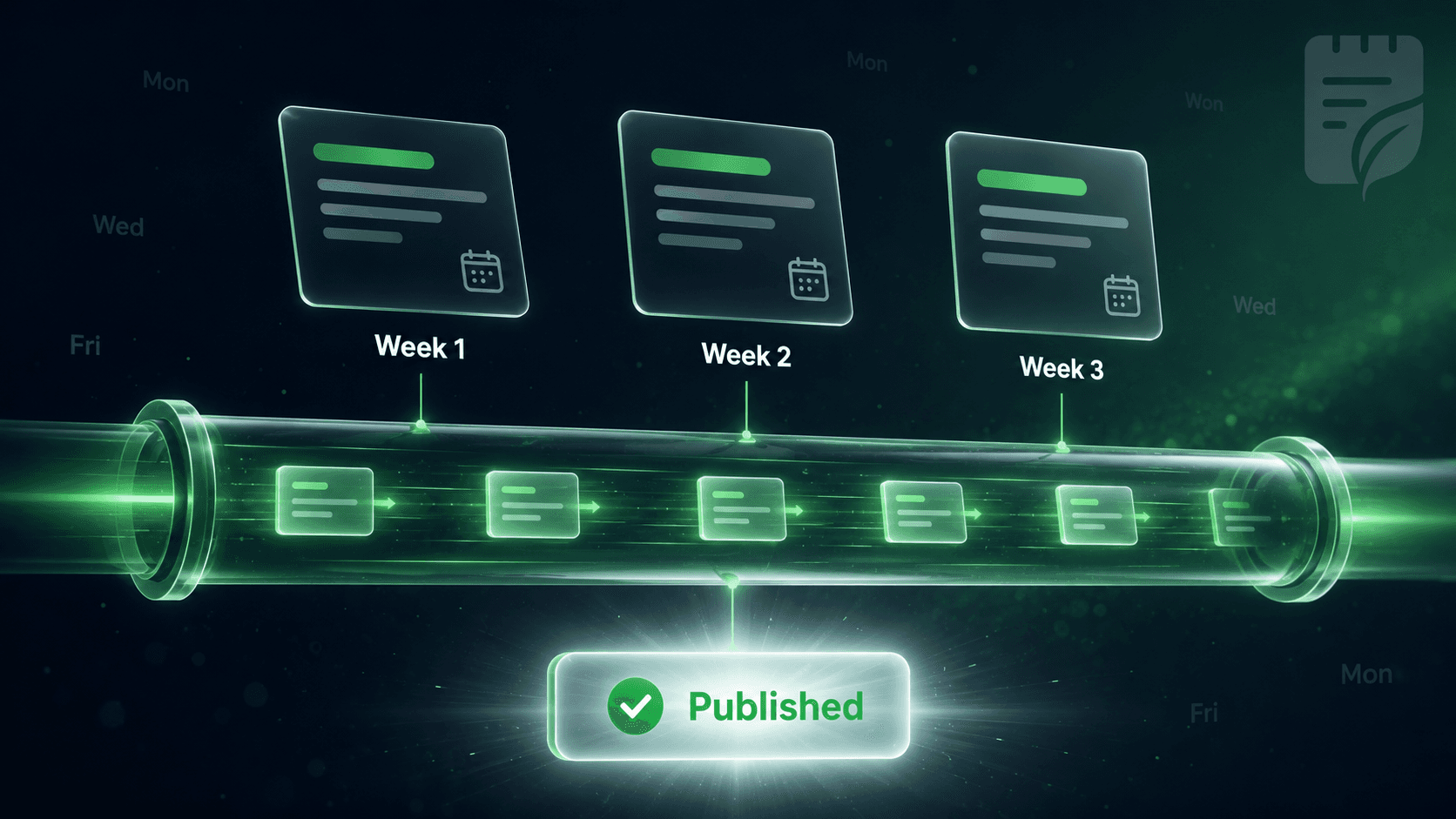
The hardest part of blogging is not writing.
It is showing up every week. It is the Monday morning where you stare at an empty calendar and try to remember what to write next. It is the freelancer who ghosts you in week three. It is the perfectly good plan that fell apart after two posts. Leafpad takes the calendar off your plate.
The empty-calendar Monday
Staring at no plan and trying to decide what to write next, every single week.
The freelancer who ghosts
Great first two posts, then silence in week three. Back to square one.
Plans that fall apart
A perfectly good content strategy that collapsed after two posts.
Inconsistency kills rankings
Search engines reward steady publishing. Missing weeks means losing ground already earned.
How it works
How the calendar works
| Step | You do | Leafpad does |
|---|---|---|
| Set your cadence | Pick daily, twice a week, weekly, or monthly - once. | Spaces posts evenly across the month and matches your time zone. |
| Review your keyword plan | Approve the topics Leafpad surfaced for your niche. | Fills every calendar slot with a matched, prioritised keyword. |
| See what is shipping | Check the two-week preview, swap topics, or lock in a custom post. | Generates the brief, images, and internal links for each slot. |
| Approve or auto-publish | Review posts in the draft queue, or set auto-publish and walk away. | Hits publish on the exact date and time you set. |
What you always control
Two-week visibility window
See every post scheduled to ship in the next two weeks before it goes live.
Any topic is swappable
Swap a topic, push a post back a week, or lock in your own brief for any slot.
Time-zone aware publishing
Posts publish at the hour you set in your local time zone, every time.
Auto-publish or manual
Set per-post approval rules. Auto-publish everything, nothing, or only posts above your quality threshold.
Set your cadence in one click.
Daily, every other day, weekly, twice a week, monthly. Leafpad spaces posts evenly across the month and matches your time zone.
Topics get pulled from your keyword plan.
Every calendar slot gets a topic from your approved keyword research. You see what is going out two weeks before it ships. You can swap any topic, push it back, or lock in a custom post.
You stay in control without doing the work.
Each post lands in your draft queue with the keyword data, the brief, the images, and the internal links already attached. Approve the post or let it auto-publish. You set the rule.
Topical authority
Built for compounding, not one-off posts
A real content calendar is not just a list of dates. It is a plan that builds topical authority week by week (one topic, covered from every angle, until Google and ChatGPT both think of you first). Leafpad sequences your calendar around pillar topics. Week one, the pillar page. Weeks two through ten, the supporting articles, each one linking back to the pillar and to other related posts in the cluster. By month three, the cluster is fully wired and compounding.
Week 1
Pillar page published. Broad keyword, comprehensive coverage.
Weeks 2–4
First cluster articles, each covering a sub-topic and linking back to the pillar.
Weeks 5–8
Second wave. Articles cross-link to each other and to the pillar.
Month 3
Cluster fully wired. Topical authority established. Traffic compounding.
What you do not have to do anymore
Leafpad handles the entire publishing pipeline so your team never touches these again.
Open a spreadsheet
Brief a writer
Argue about word counts
Reschedule when someone is sick
Manually push posts to WordPress, Shopify, Ghost, Webflow, Framer, Lovable, or Bolt
Hope someone added the meta description before publishing
FAQ
Frequently asked questions
How often should I publish?
Most SaaS sites compound fastest at two to four posts per week, but Leafpad supports daily down to monthly. New sites usually start at weekly and ramp once the keyword plan proves out.
Can I bring my own topics?
Yes. Add custom posts to any calendar slot. Leafpad treats them with the same keyword research, brief, image generation, and internal linking as auto-planned posts.
What if I do not approve a post before its publish date?
You choose. You can require human approval on every post, auto-publish everything, or only auto-publish posts above a certain quality score. The default is auto-publish with one-click revert.
Does the calendar handle multiple blogs or clients?
Yes. Agencies and multi-brand teams manage separate calendars per site from one dashboard. Each calendar has its own keyword plan, brand voice, and publishing schedule.
How is this different from Notion or Airtable?
Notion and Airtable are databases. Leafpad is a writer, designer, and publisher attached to a calendar. The topics fill themselves, the posts write themselves, and the publishes happen on their own.