Connect your Ghost blog with Leafpad for automated content publishing
How Ghost Integration Works
The Ghost integration allows you to automatically publish your Leafpad articles to your Ghost blog using the Ghost Admin API. Articles can be published as drafts or live posts directly from Leafpad.
Note: Ghost integration supports both auto-publish and draft modes. You can choose to publish articles automatically or save them as drafts for review.
Admin API Not Available on Ghost Starter Plan
The Ghost Admin API, required for this integration, is not available on the Starter plan. Ensure your Ghost account is on a plan that provides Admin API access. View Ghost Pricing Plans
Setup Instructions
Step 1: Navigate to Ghost Integrations
Log in to your Ghost admin panel
Navigate to Settings (gear icon in the sidebar)
Click on "Integrations" in the Settings menu
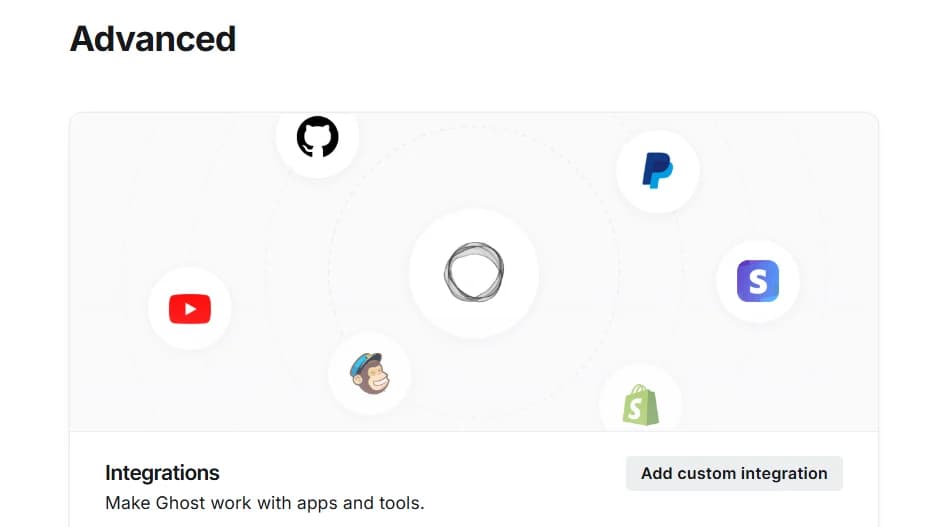
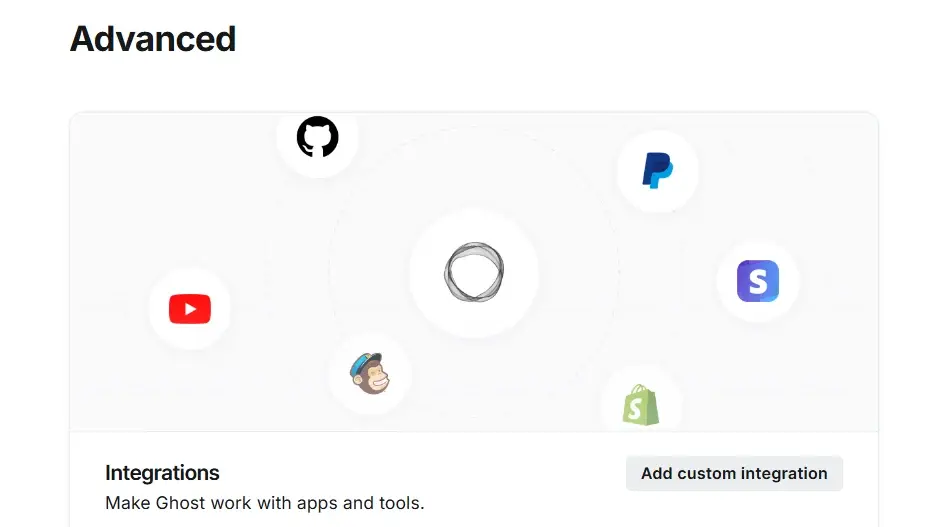
You will see the Integrations page with various integration options
Step 2: Create Custom Integration
Click "Add custom integration" button
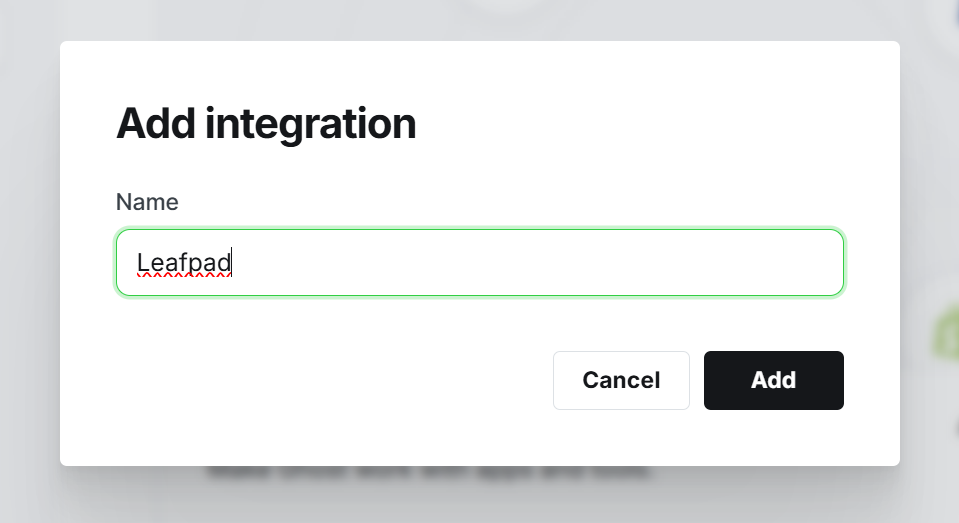
Enter a name for your integration (e.g., "Leafpad")
Click "Add" to create the integration
Step 3: Copy API Credentials
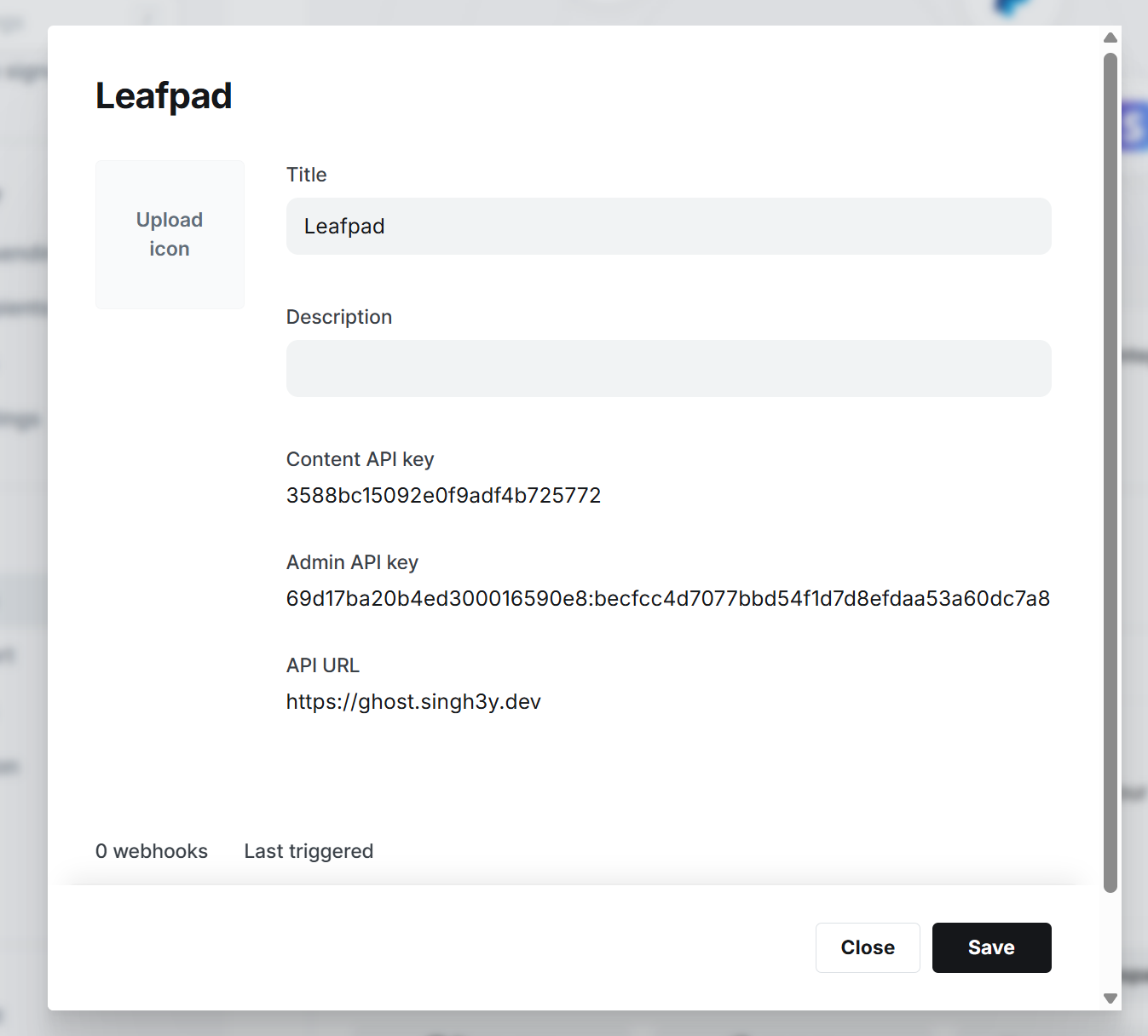
After creating the integration, Ghost will display your API credentials
Copy the Admin API key (keep it secure!)
Copy the API URL
You will use these credentials in the next step to connect Leafpad
Step 4: Configure Leafpad Integration
Navigate to your Leafpad dashboard
Go to the Integrations section
Click "New Integration" and select "Ghost"
Provide a name for your integration
Paste the Admin API key from Ghost
Paste the API URL from Ghost
Click "Create Integration"
Once, the integration is done. You can click on sync changes to push all blogs in ghost to check if everything is working fine
Step 5: Publish Articles
Once configured, you can publish articles from Leafpad directly to your Ghost blog. When creating or editing articles in Leafpad, any new changes will get automatically synced in ghost. Alternatively you can go to integration and sync all changes manually instantly
What Gets Published
Article title
Article content (formatted in HTML)
Featured image
Meta description
Publication status (published or draft)
Tags (if configured)
Troubleshooting
Admin API not available
The Ghost Admin API is not available on the Ghost Starter pricing plan. You need to upgrade your Ghost account to a higher tier to enable this feature. View Ghost Pricing Plans
API connection fails
Verify your Admin API key and API URL are correct and copied completely from your Ghost integration settings. Ensure there are no extra spaces.
Articles not publishing
Check that your Ghost site is accessible and the Admin API is enabled. Verify your API credentials are still valid in Ghost settings.
Images not appearing
Ensure your Ghost site has proper permissions to fetch external images. Check that the image URLs are publicly accessible.
Invalid API key error
The API key may have been regenerated in Ghost. Go back to your Ghost integration settings and copy the current Admin API key, then update it in Leafpad.
Published with LeafPad